
Free
$0
5 photo scans a day.
 Plate-wise
Get Plate-wise free
Plate-wise
Get Plate-wise free
Calorie tracking, by photo
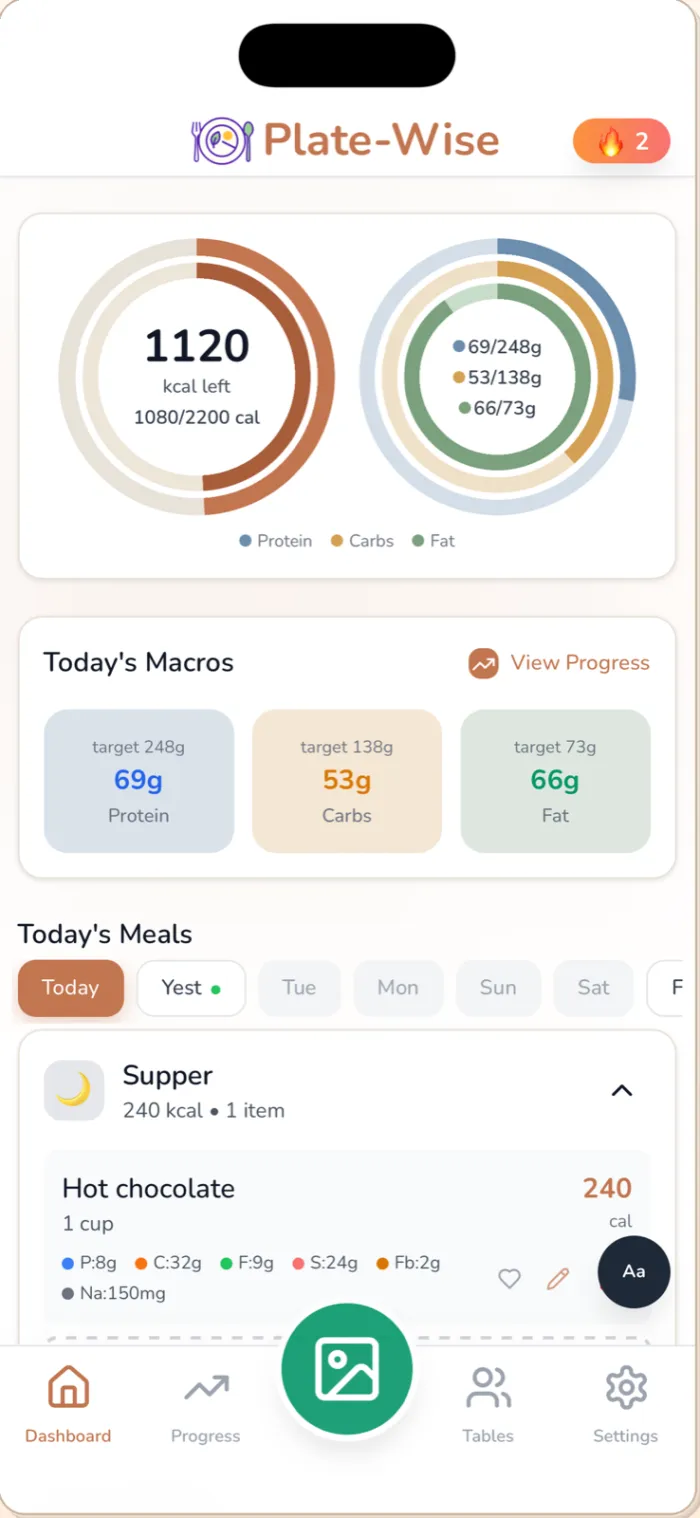
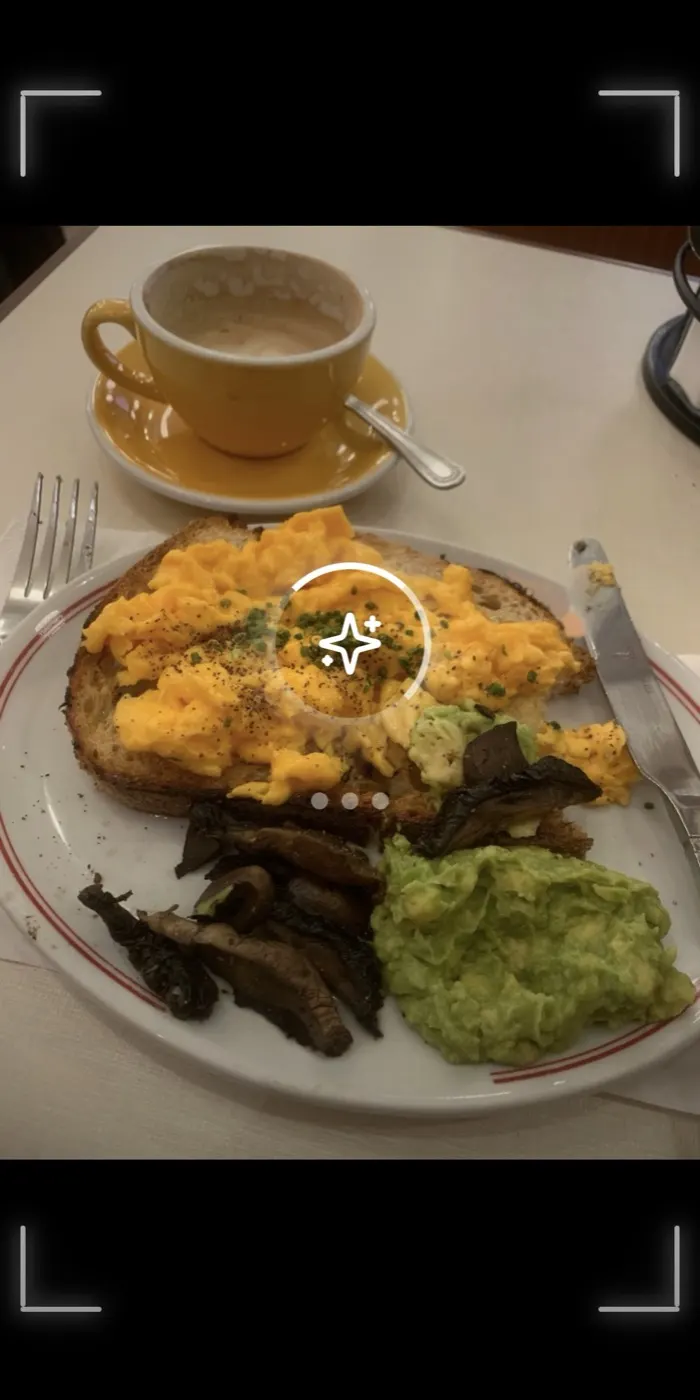
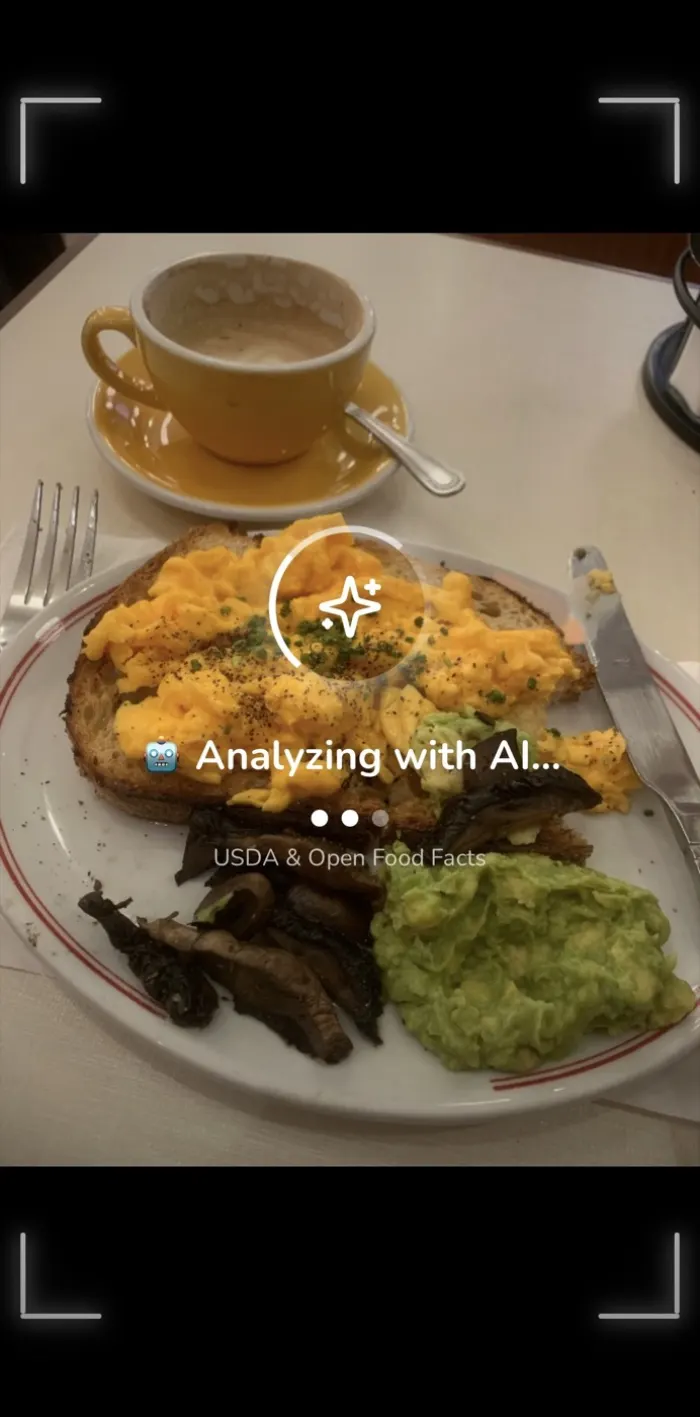
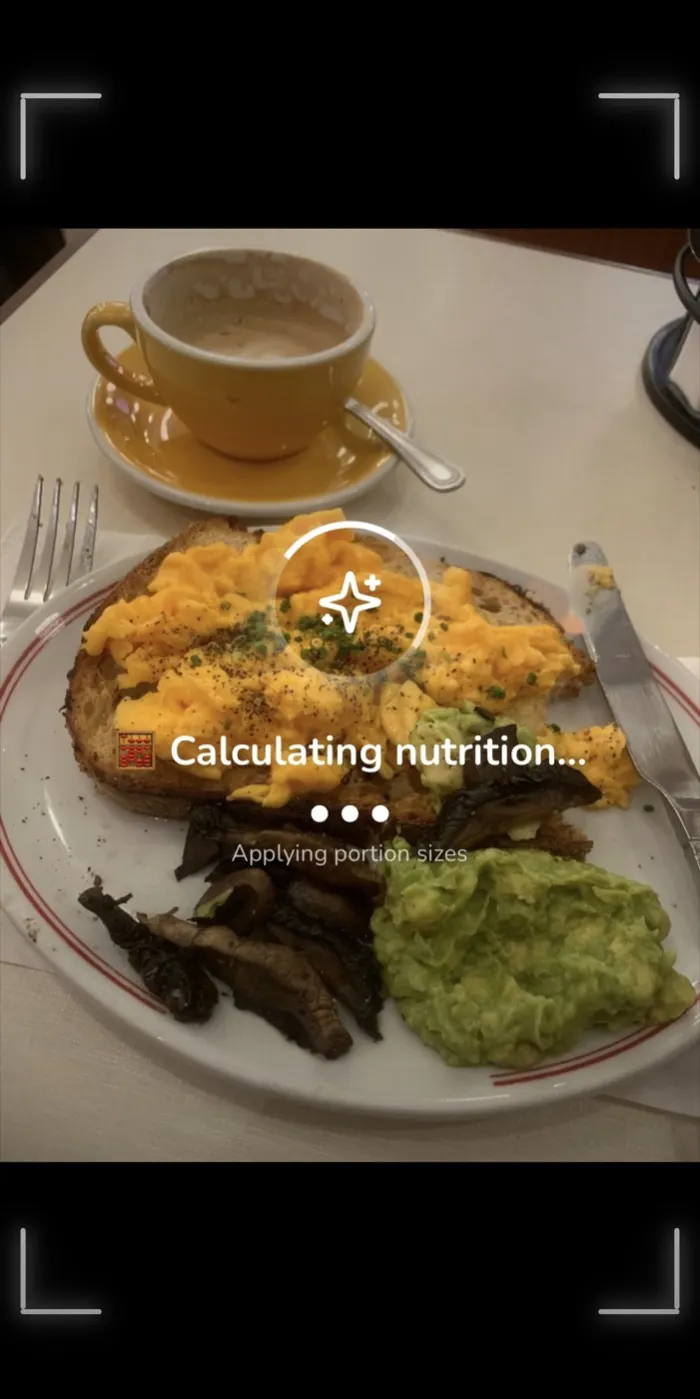
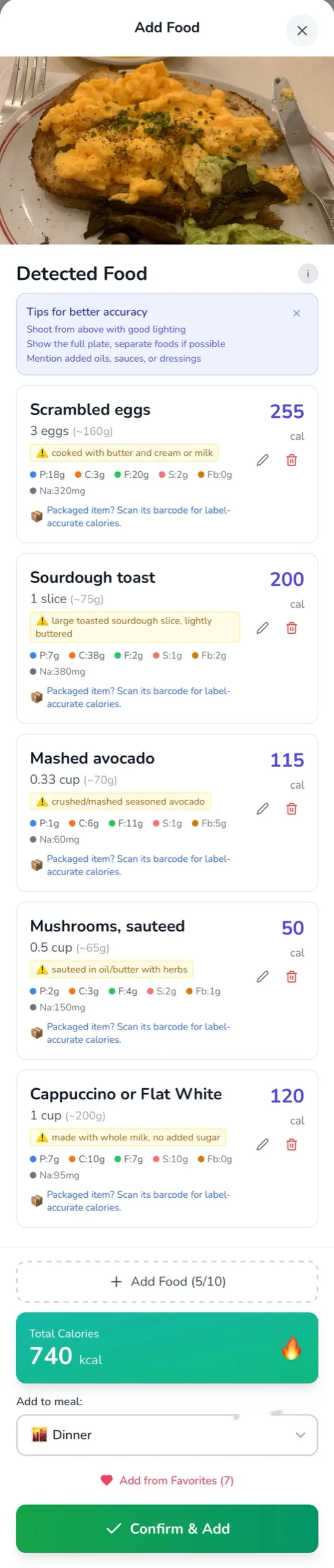
Take a photo. Plate-wise counts the calories and macros, then shows what's left of your daily target.
Free. 5 photo scans a day.
Search. Pick. Guess the portion. Repeat for every item.
01 — Snap
02 — Count
Every item, with its portion and macros. Change any of them with a tap.
03 — Know
Your ring updates the moment you log. No maths.
04 — Yours
Pick from 16 goals and 10 diet types. Your daily calorie and macro targets follow.
Tap a diet. Your goal then fine-tunes the split.
$0
5 photo scans a day.
$99.99/year
30 photo scans a day. $8.33 a month.
$9.99/month
30 photo scans a day. Cancel any time.
Free plan:
Pro plan ($9.99/month Launch Special, or $99.99/year — save 17%):
Plate-Wise uses advanced AI — Google Gemini for food recognition, with Anthropic Claude and OpenAI as fallbacks — to analyze photos of your meals.
What it does:
Simply take a photo of your meal, and the AI does the rest! It shows a confidence percentage for each analysis, and you can always edit the results before saving.
For the most accurate nutrition tracking, use a kitchen scale!
⚖️ How to weigh food:
1. Place your food on a kitchen scale
2. Take a photo showing both the food AND the scale display
3. The AI will automatically read the weight and calculate exact nutrition
Why it works:
💡 Pro tip: You can also manually edit the weight in the food preview after scanning. Tap the food item, change the quantity to grams (e.g., '250g'), and nutrition recalculates automatically.
You can easily edit any food item detected by the AI.
Tap the edit (pencil) icon to:
Smart scaling:
Your corrections help the AI learn and improve future accuracy!
Snap it. See the calories. See what's left. Free, with 5 photo scans a day.